
- Settings > Accounting
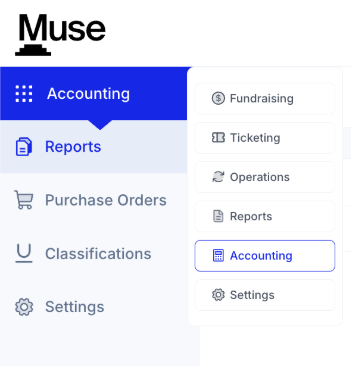
*If you are using Quickbooks Online or FENXT, you do not need to enter anything into Muse. The integration will take care of the configuration.
*Please inform the Client Delivery team of your current accounting software.
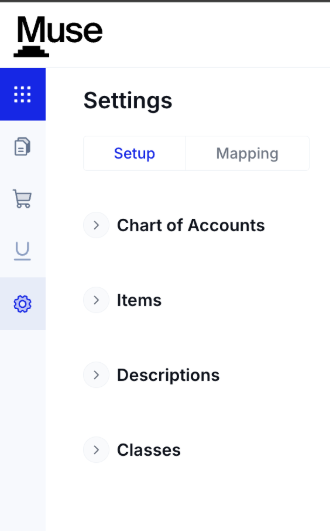
- Setup
-
- This is where you will set up your Chart of Accounts, Items, Descriptions, and Classes
- Chart of Accounts
- This allows you to enter your GL codes into Muse

- Add Account
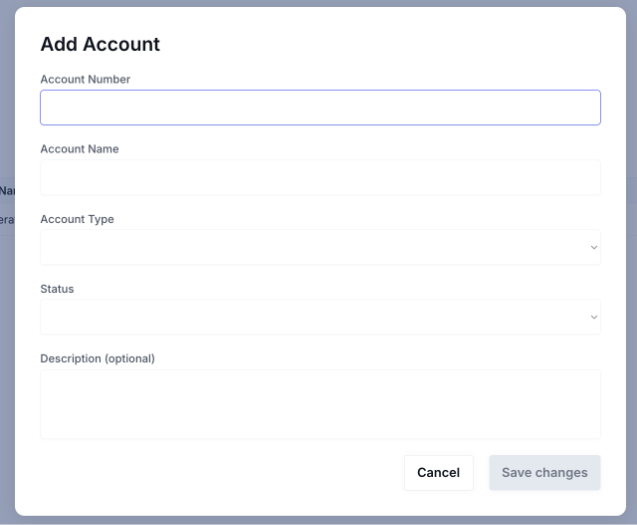
- Account Number
- This is the GL Code
- Account Name
- Optional
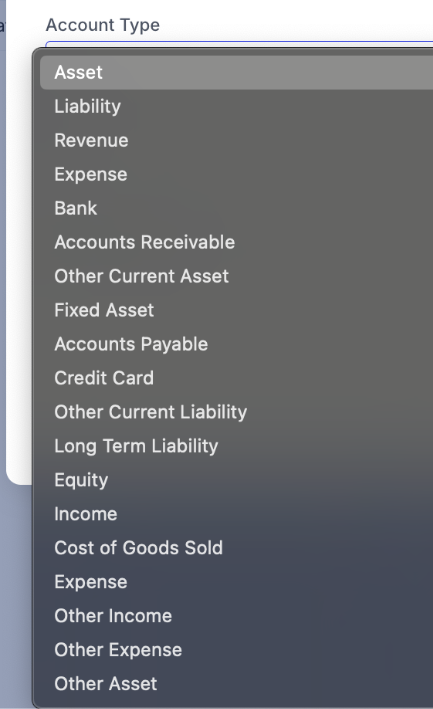
- Account Type
- Asset
- Liability
- Revenue
- Expense
- Bank
- Accounts Receivable
- Other current Asset
- Fixed Asset
- Accounts Payable
- Credit Card
- Other Current Liability
- Long Term Liability
- Equity
- Income
- Cost of Goods Sold
- Expense
- Other Income
- Other Expense
- Other Asset
- Status
- The options are Active or Inactive
- Description
- Optional
- Items
- These are the products and services you sell within Muse

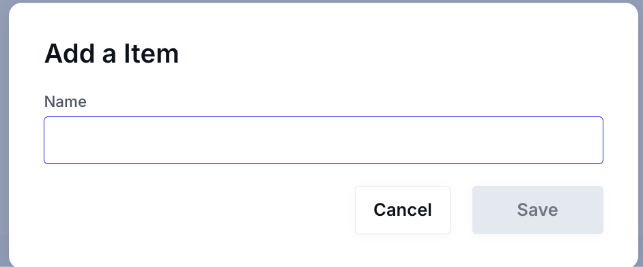
- Add Item to add the Name of the Item
- Descriptions
- These are optional
- These allow you to describe what the Item you are selling is.

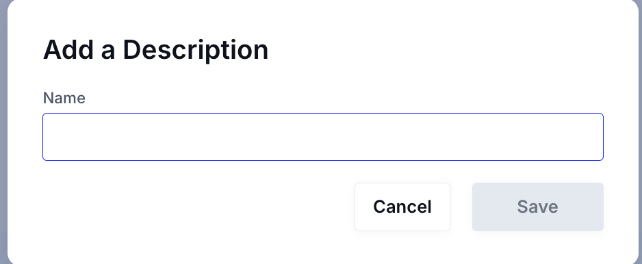
- Add Description to add the Name of the Description
- Class
- This is optional
- This allows you to direct where the Item should be accounted

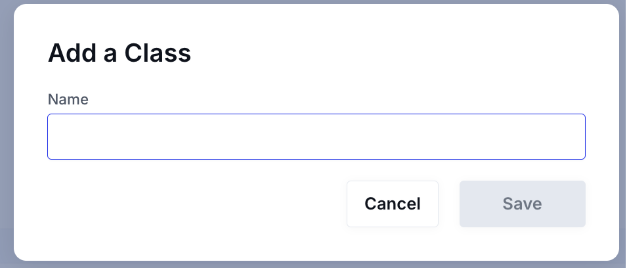
- Add Class to add the Name of a Class
- Mapping
- This allows you to assign an Item, Description, and Class to all areas of Muse
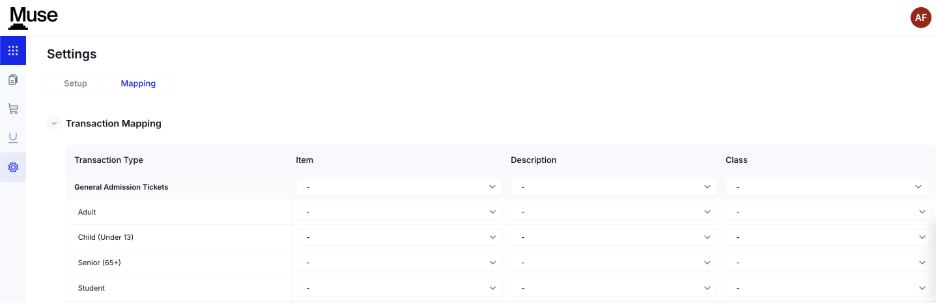
- The areas you can map are:
- General Admission Tickets
- Event Tickets
- Exhibition Tickets
- Memberships
- Merchandise Sales
- Food & Beverage Sales
- Unrestricted Donations Account
- Restricted Donations Account
- Private Events
- Group Visits
- Gift Cards
- Sales Tax
- Manual Charge
- Processing Fees
- Payment Method Mapping
- This allows you to assign one of the Accounts you created in the Chart of Accounts to the various payment methods

- The methods are Cash, Credit Cards, Check, and ACH/Wire
- Deferred Revenue Setup
- This allows you to assign one of the Accounts you created in the Chart of Accounts to the various areas of Muse
- The areas are Private Events, Group Visits, Gift Cards, and Accounts Receivable

- Discount Code Configuration
- This allows you to assign one of the Accounts you created in the Chart of Accounts to the discount code usage
