
- Settings > Settings > Integrations
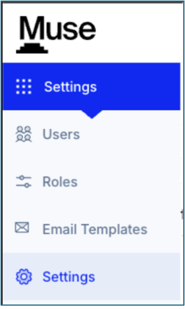
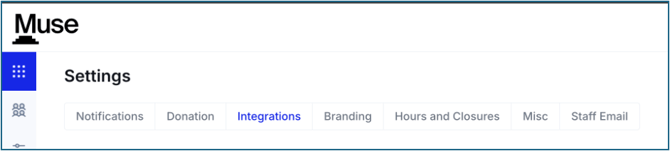
- Click the down carat on Emails to start your Integration

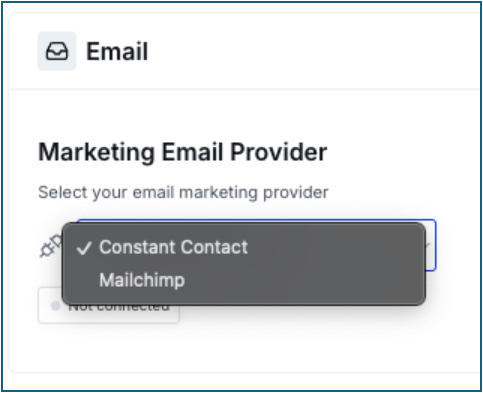
- Click Select a Connection
- Choose Constant Contact
- Click Connect
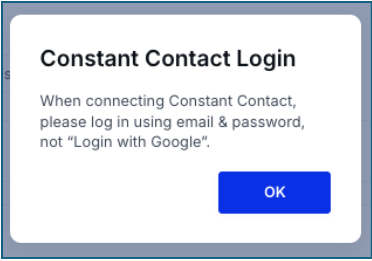
- You see this Login pop-up
- Click Ok
- You will need to grant Muse access
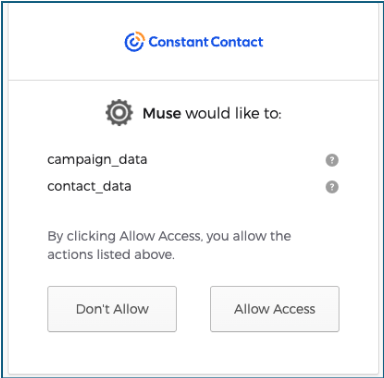
- Click Allow Access
- You will be directed back to Muse and connected
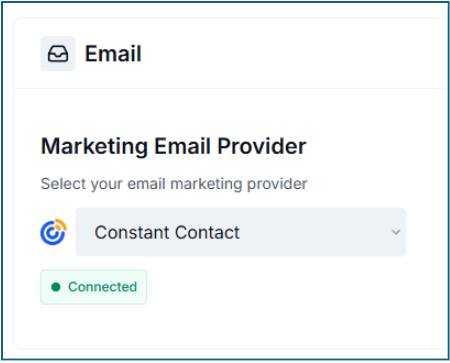
- Create a List in Muse- Please see our Muse Fundraising- Constituent documentation for the steps to create Lists
- View Lists and click on the list you would like to create a list for in Contant Contact
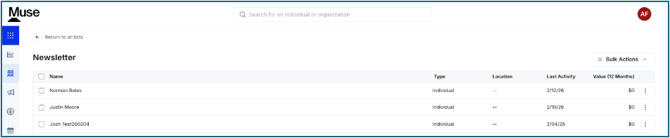
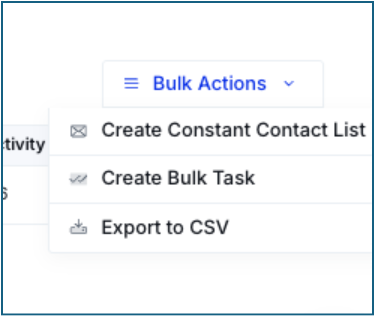
- Click Bulk Actions
- Choose Create Constant Contact List
- Navigate to Constant Contact
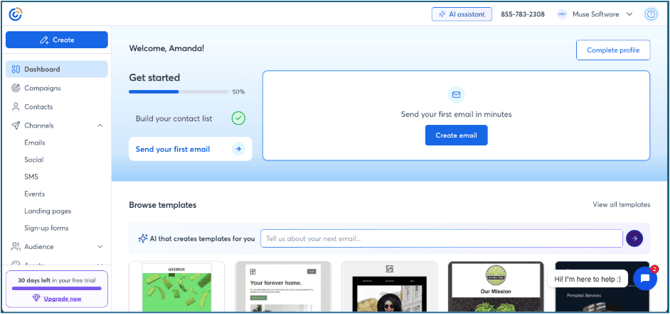
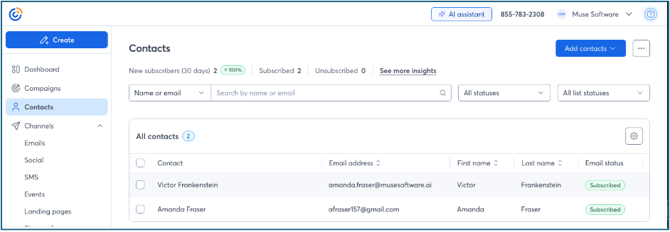
- Click Contacts to see the contacts you just imported from Muse

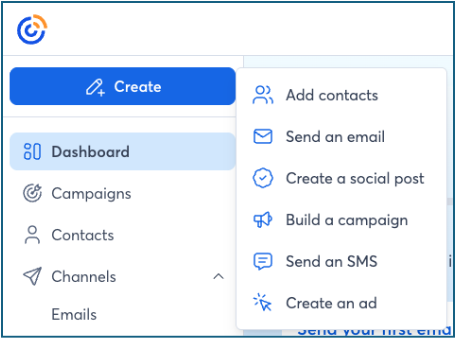
- Click “Create” and “Send an Email”
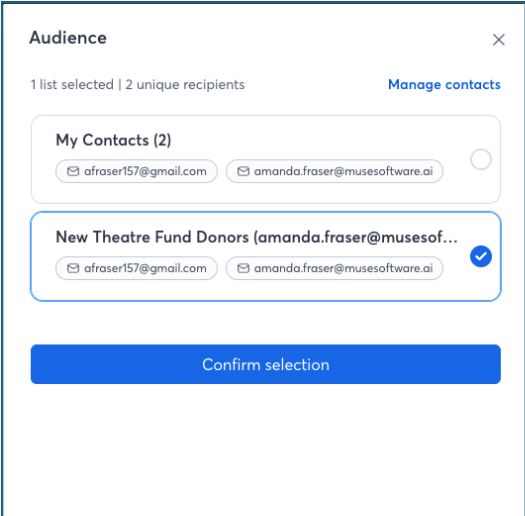
- Click on the “To” section
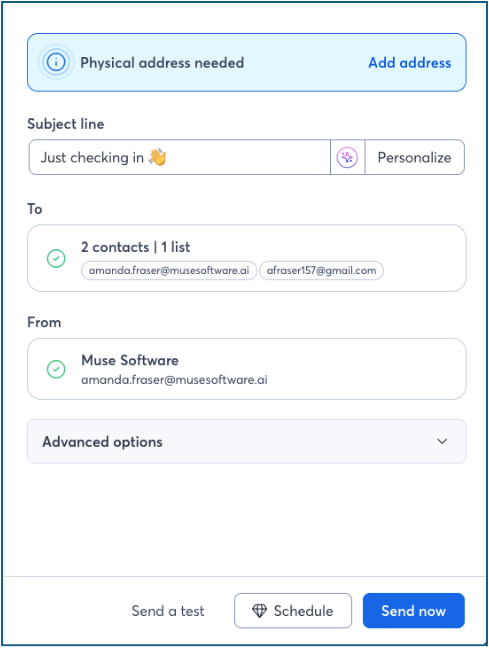
- You can choose the list you imported or all contacts
- Send Now or Schedule your email