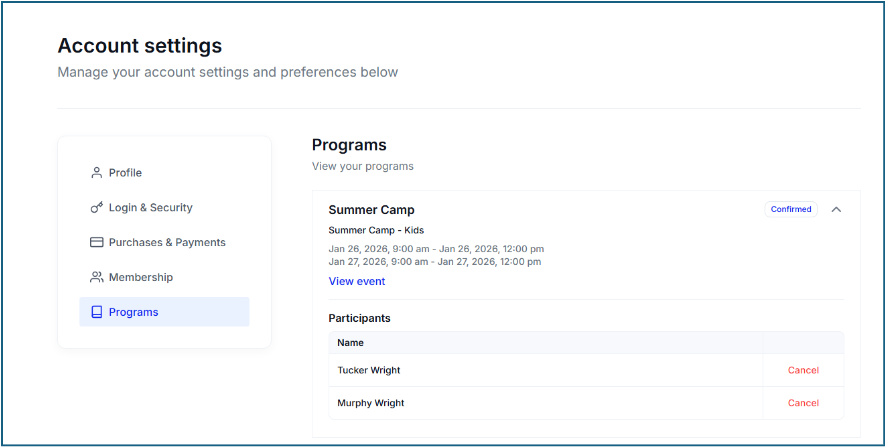
- Members can visit your Muse e-commerce page and below are some instructions and info for you:
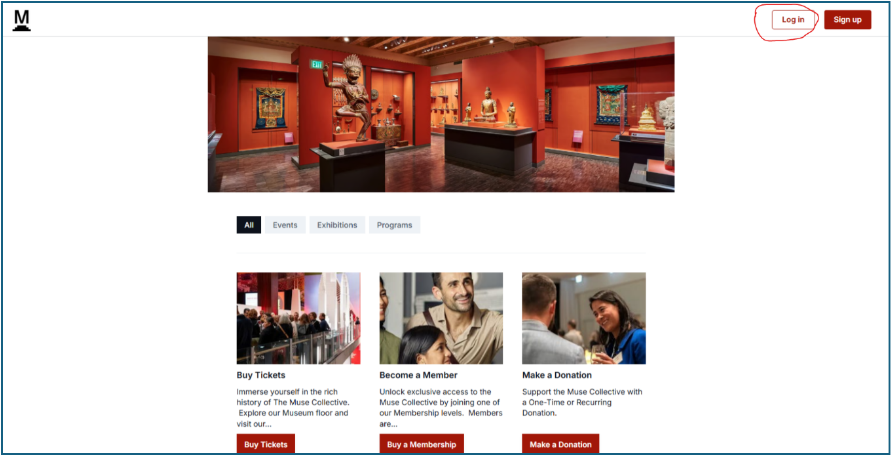
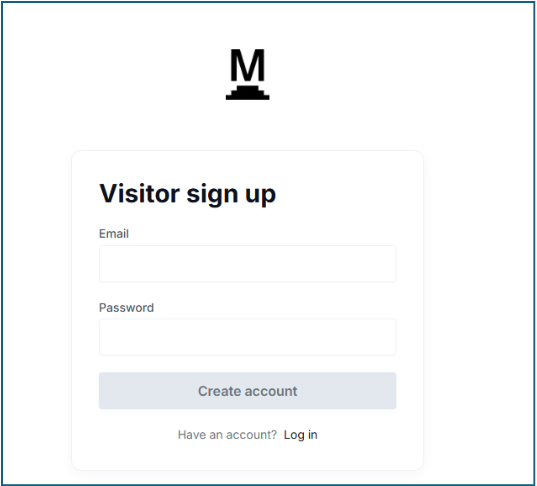
- Visit your Muse e-commerce page (tickets.yourdomainname, e.g. tickets.posterhouse.org) and click "log in" or "sign up" in the top right corner
- If it’s the first time a Visitor is doing this, the Sign Up feature will link to their Muse Constituent/Member profile via the email address used in the membership purchase/renewal process
-
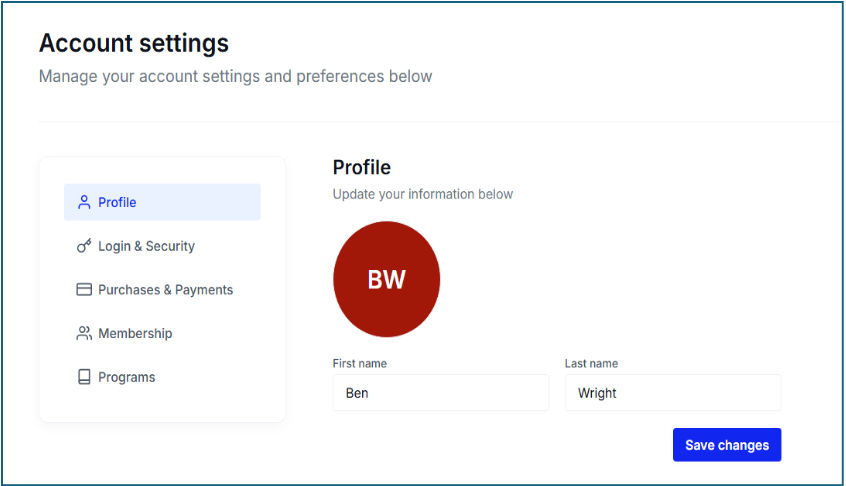
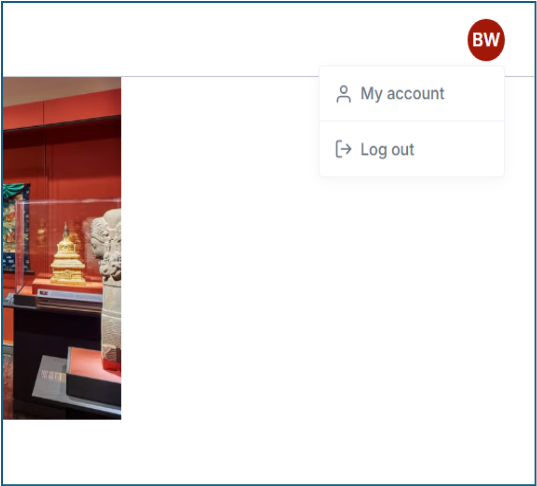
Once logged in you can click on the Initials in the top-right corner to view "My Account"
-
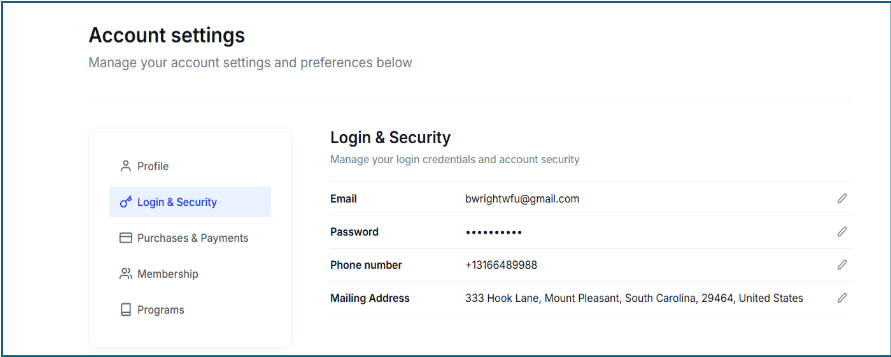
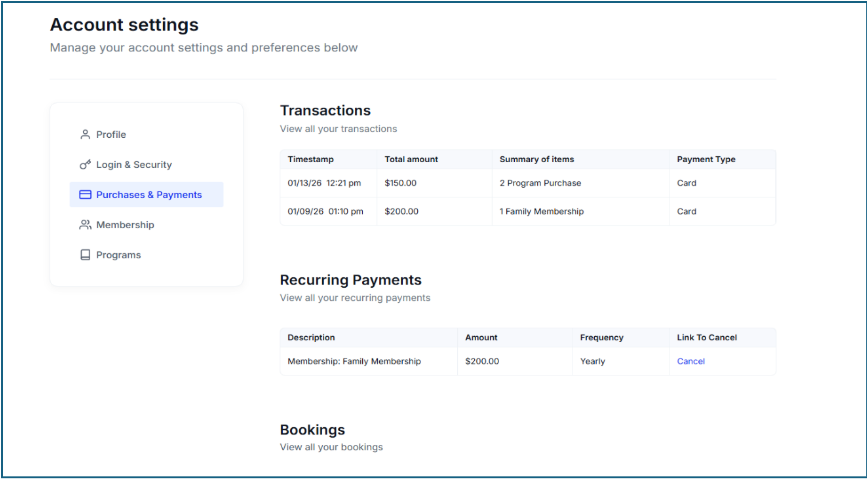
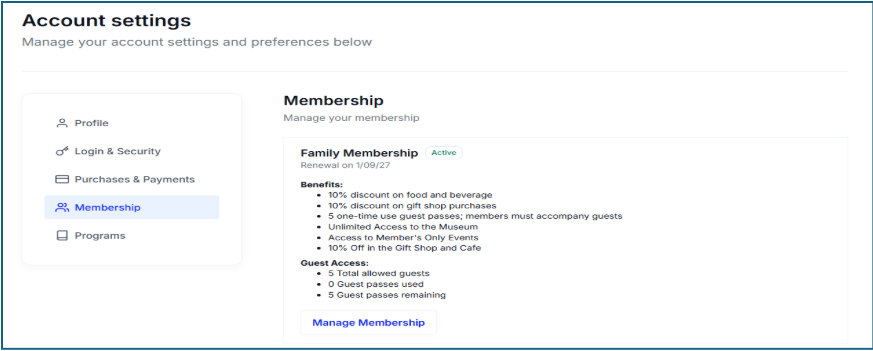
Customers can then review all their Muse-related details and make updates as needed